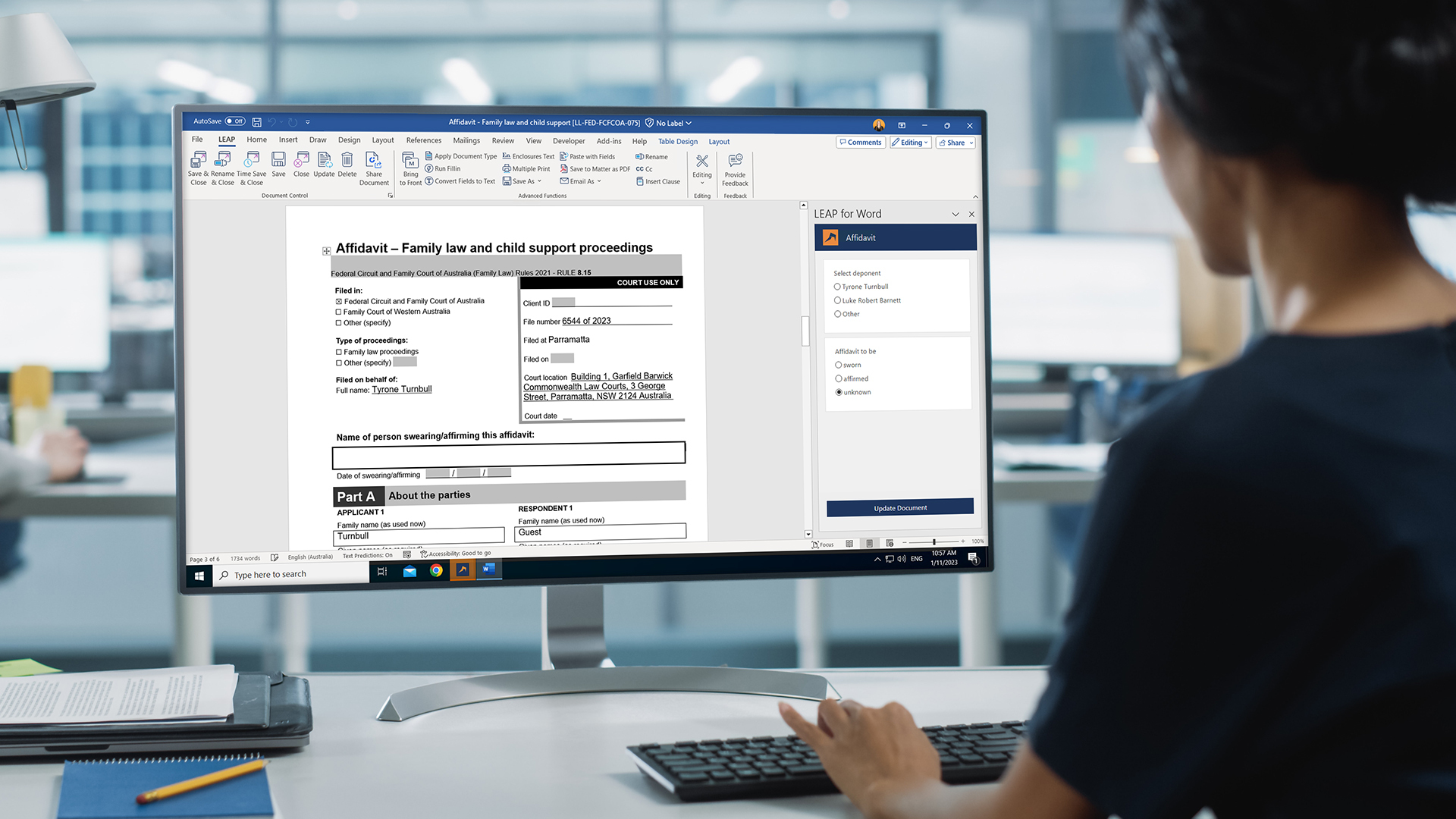
Accessing and Using LEAP Forms

The objective of this course is to familiarise you with using LEAP for Word to generate fast and reliable LEAP Forms.

rate limit

Code not recognized.

About this course

Accessing and Using LEAP Forms

In this course you will learn how to:

  • Access Precedents
  • Search Folders and Precedents
  • Differentiate Precedent Codes
  • Install and navigate LEAP for Word
  • Use the LEAP for Word pane with Forms
  • Using LEAP Interactive PDF Forms
  • Rename documents saved to the Matter
  • Create PDFs of documents saved to the Matter
  • Provide Feedback

This course assumes you have a basic understanding of creating a matter in LEAP.

Following this course, we also recommend that you complete the LEAP University courses on Creating your own precedents and Document Customisation for instructions on creating and customising your own precedents.

Duration: 30 Minutes

Curriculum

  • Module 1
  • The Importance of Filling in your Matter
  • Accessing and Searching Precedents
  • Folder Structures in the Guides and Precedents Window
  • Search Folders, Forms and Precedents
  • Precedent Codes and Form Numbers
  • Module 2
  • About LEAP for Word Forms
  • Module 3
  • Navigating the LEAP for Word Pane
  • Quiz
  • Module 4
  • Using the LEAP for Word Pane with General Forms
  • Quiz
  • Module 5
  • Using the LEAP for Word Pane with Complex Forms
  • Quiz
  • Module 6
  • Using LEAP Interactive PDF Forms
  • Module 7
  • Features for Documents Saved to the Matter
  • Module 8
  • Form Feedback and Assistance
  • Up Next
  • Summary

About this course

Accessing and Using LEAP Forms

In this course you will learn how to:

  • Access Precedents
  • Search Folders and Precedents
  • Differentiate Precedent Codes
  • Install and navigate LEAP for Word
  • Use the LEAP for Word pane with Forms
  • Using LEAP Interactive PDF Forms
  • Rename documents saved to the Matter
  • Create PDFs of documents saved to the Matter
  • Provide Feedback

This course assumes you have a basic understanding of creating a matter in LEAP.

Following this course, we also recommend that you complete the LEAP University courses on Creating your own precedents and Document Customisation for instructions on creating and customising your own precedents.

Duration: 30 Minutes

Curriculum

  • Module 1
  • The Importance of Filling in your Matter
  • Accessing and Searching Precedents
  • Folder Structures in the Guides and Precedents Window
  • Search Folders, Forms and Precedents
  • Precedent Codes and Form Numbers
  • Module 2
  • About LEAP for Word Forms
  • Module 3
  • Navigating the LEAP for Word Pane
  • Quiz
  • Module 4
  • Using the LEAP for Word Pane with General Forms
  • Quiz
  • Module 5
  • Using the LEAP for Word Pane with Complex Forms
  • Quiz
  • Module 6
  • Using LEAP Interactive PDF Forms
  • Module 7
  • Features for Documents Saved to the Matter
  • Module 8
  • Form Feedback and Assistance
  • Up Next
  • Summary