- BundlePro How To's
-
How to Create a Bundle
-
How to Create an Additional Bundle Within your LEAP Matter
-
How to Move and Rename Documents
-
How To Customise Your Pagination To Include a Section Number With Your Page Number
-
How to Bulk Folder Import
- BundlePro Settings
-
Global Settings
-
Section Settings
-
Document Settings
-
Generate Bundle Settings
-
Contact Us
- Feedback
-
Survey
- Up Next
-
Summary

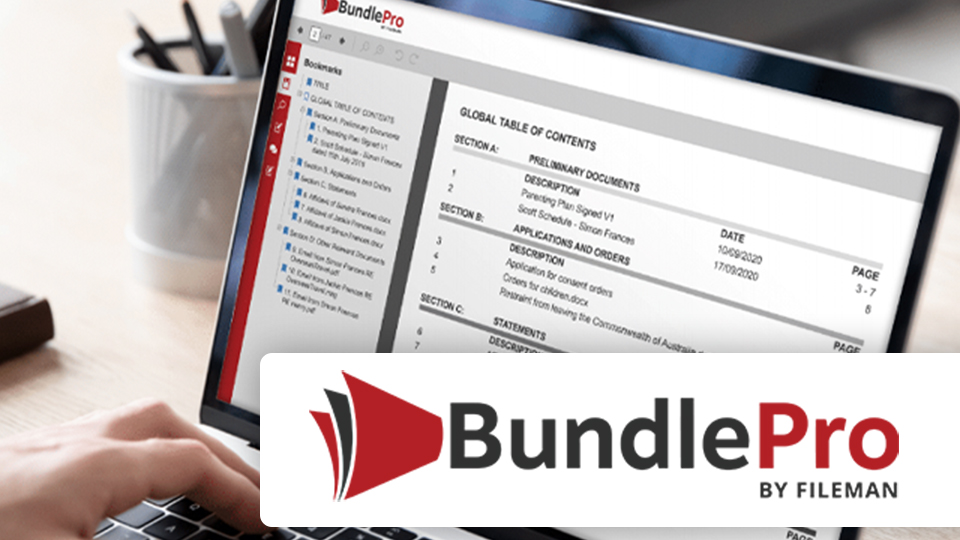
Introduction to BundlePro
Learn about the various features and settings of BundlePro that allow you and your firm to create professional, presentable, fully-searchable and cost effective electronic court books in minutes.
BundlePro
In this course we will demonstrate the ease of creating, editing and managing bundles with BundlePro.
This web-based software makes it easy to automatically convert large volumes of documents into a single PDF, complete with an auto-generated paginated index, bookmarks, hyperlinks and a cover page.